Prontowhats
Send WhatsApp without saving the number
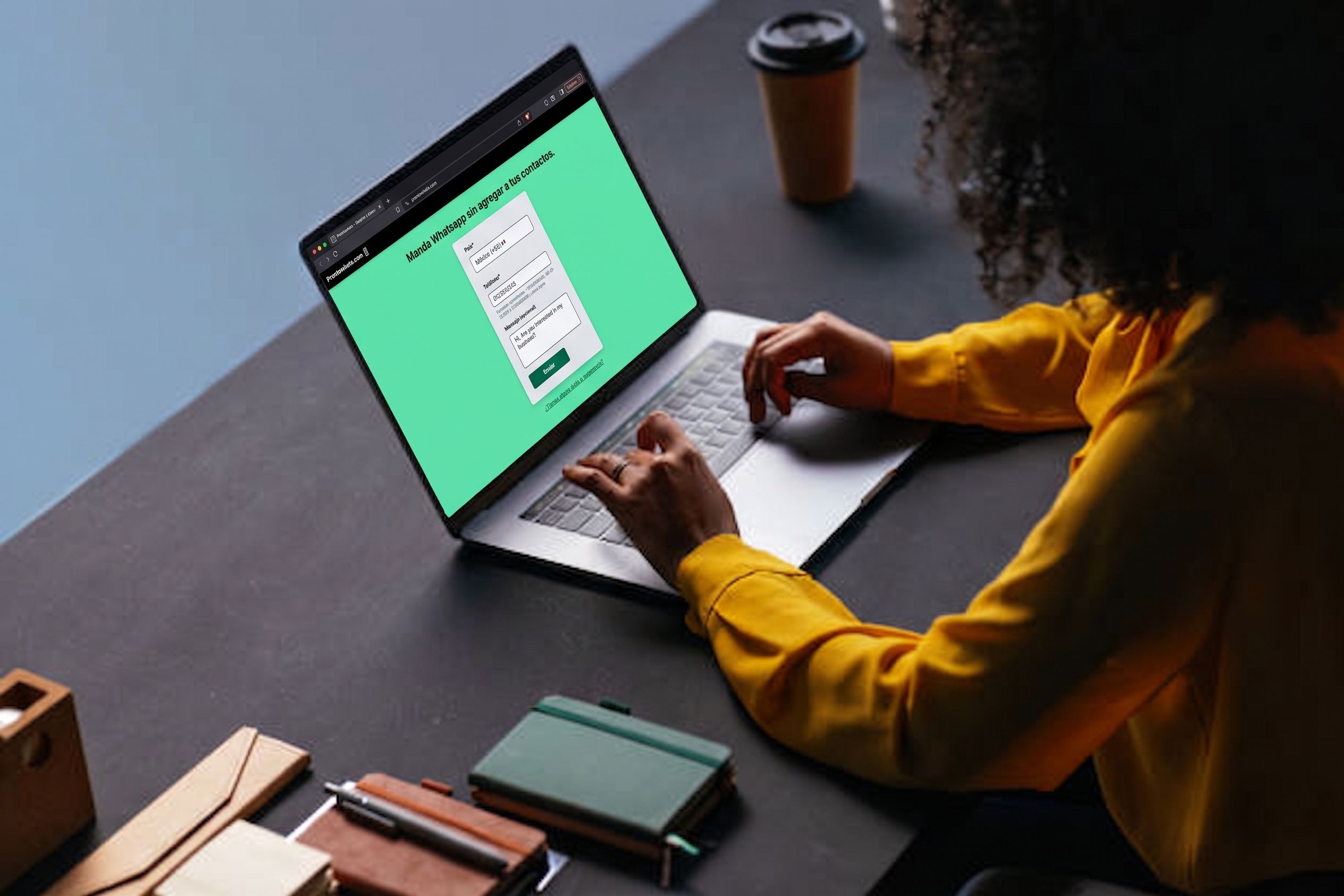
Pick a country, paste the phone, add an optional message, and open WhatsApp. The number never has to live in Contacts.
The situation
You get a number you do not want to save — a shop, a one-off thread, someone who already wrote first. Saving them as a contact just to tap WhatsApp is the long way. Prontowhats is the one-screen version: a wa.me link from country, phone, and message.
What we shipped
-
Country is already picked
We detect it from IP so the dial code is right before you type. You can still change it.
-
Paste or type the number
Spaces, dashes, a leading plus — smart paste strips the noise and still knows the dial code.
-
Optional message
Pre-fill the first line, or leave it blank and write in WhatsApp.
-
Open WhatsApp
One submit. Web or the app, with the number already in the chat.
A few decisions
No account, no list of chats
If you have to sign up to send one message, you will not. There is no history to keep.
Messy paste still has to work
People copy numbers from signs, PDFs, and chats. The form should turn that into a valid WhatsApp URL.
Spanish first
The people who needed this were already speaking Spanish. The UI is not an English tool with a translation later.
Stay a static page
Country, phone, and message are enough. No backend, no contacts database — just a redirect.
Stack
A static Astro site in TypeScript, Tailwind for the form, and Jest around the paste logic.
- TypeScript
- Astro
- Tailwind CSS
- Jest
Built by Colomo — Tona.